
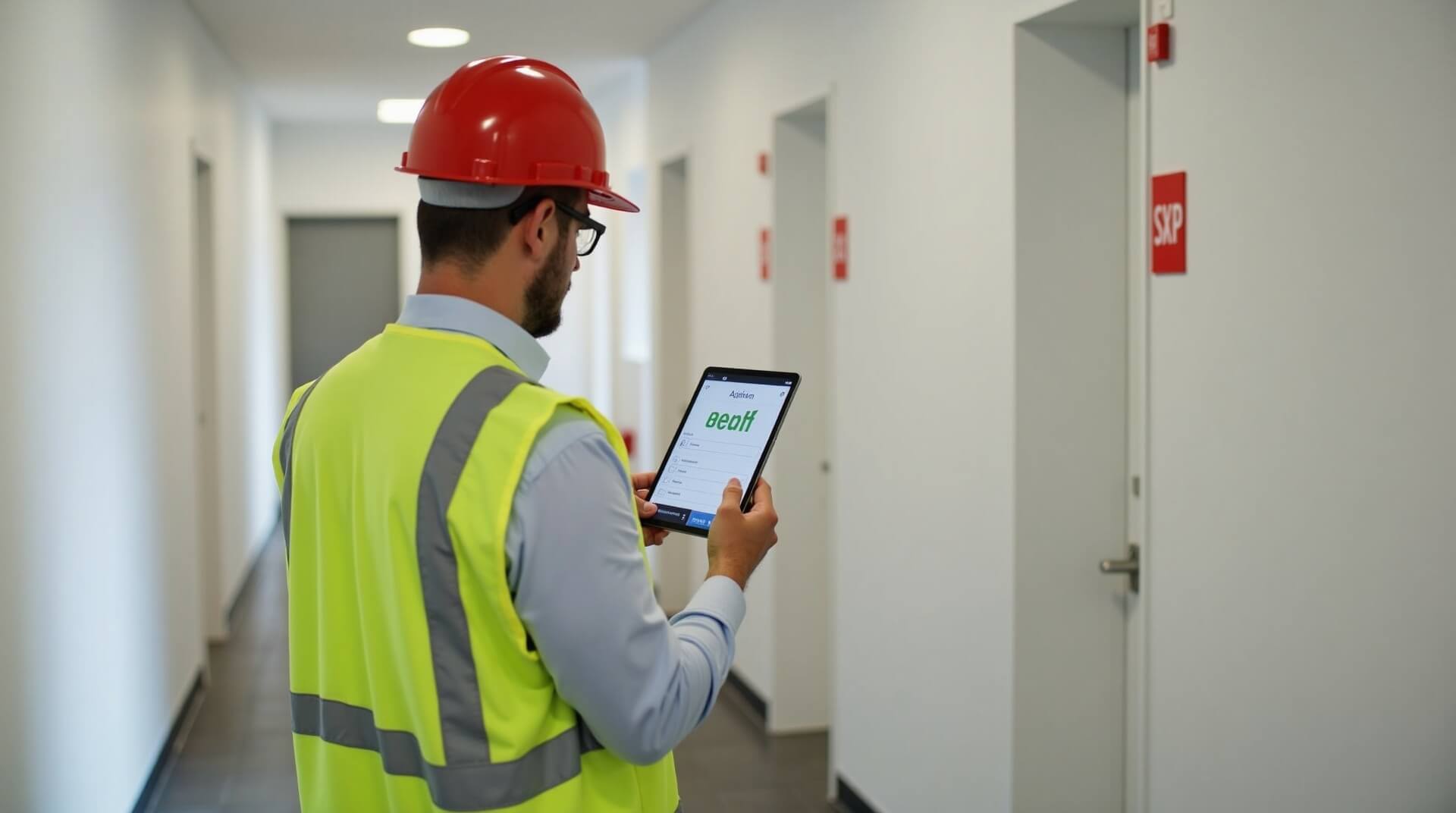
Tap. Check. Prove it.
WiseBlock NFC tags turn every fire safety checkpoint into a digital timestamp. Know exactly where your inspectors are, how long each check takes, and how many are left — all in real-time from the mobile app.
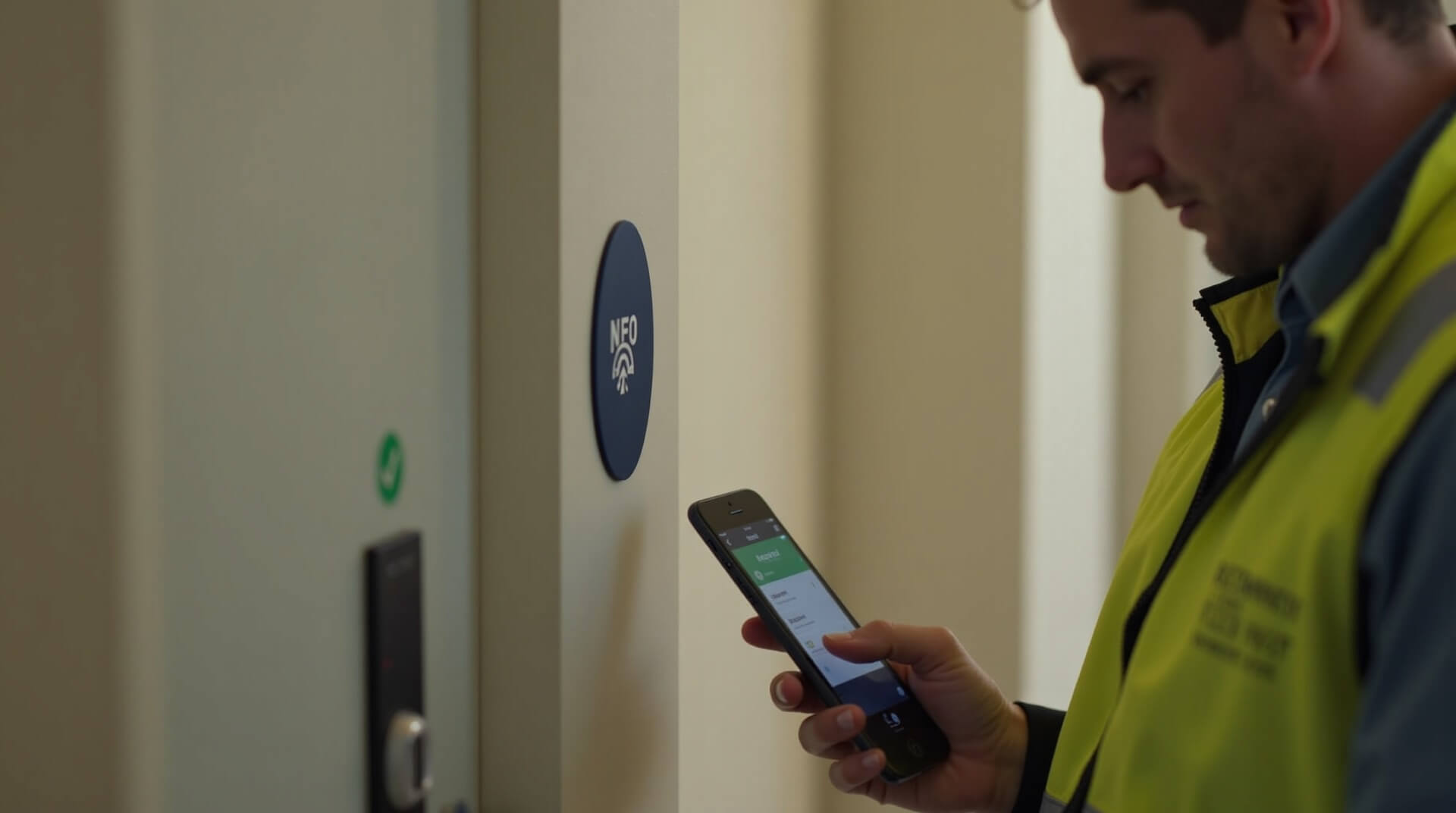
Four taps. Full accountability.
From arriving at the building to submitting the completed inspection — every step is verified.
Arrive & Tap In
Inspector arrives at the building and taps the entrance NFC tag with the WiseBlock app. Clock starts.
Scan Checkpoints
At each fire door, riser, or alarm panel, the inspector taps the NFC tag to log the check and timestamp.
Complete Route
The app tracks the full route through the building, showing completed and remaining checkpoints.
Tap Out & Submit
Inspector taps the exit NFC tag. Total duration, route, and all checkpoint data are submitted instantly.
Know exactly how long every check takes
The moment an inspector taps the first NFC tag, the timer starts. Every checkpoint tap is logged with an exact timestamp. When the inspection is complete, you have a precise record of duration — per checkpoint, per floor, and per building.
Per-Checkpoint Timing
See how long each fire door, riser, or panel check takes
Average Benchmarks
Compare inspector times to identify training opportunities
Anomaly Detection
Flag checks that are too fast (skipped?) or too slow (issues found)
Compliance Reports
Auto-generated reports with exact timestamps for auditors
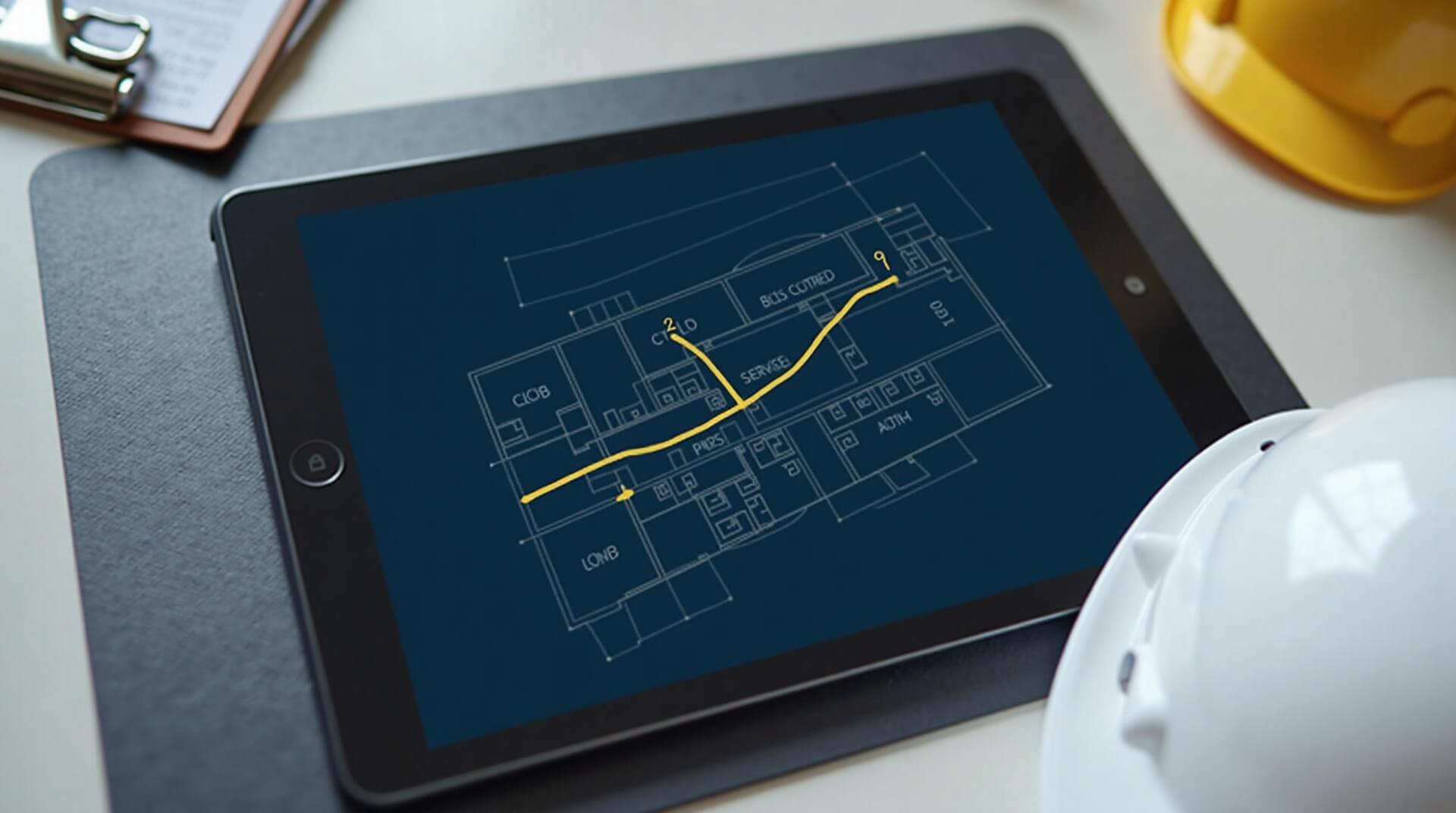
See every step of the inspection route
Every NFC tap plots the inspector's path through the building. See which checkpoints were visited, in what order, and which ones remain. Managers get a live view of progress — no phone calls needed.
Live Location
See which checkpoint the inspector is at right now
Progress Dashboard
Percentage complete, checkpoints remaining, estimated finish
Route Comparison
Compare actual route vs. optimal path for efficiency
Multi-Inspector View
Track multiple inspectors across buildings simultaneously
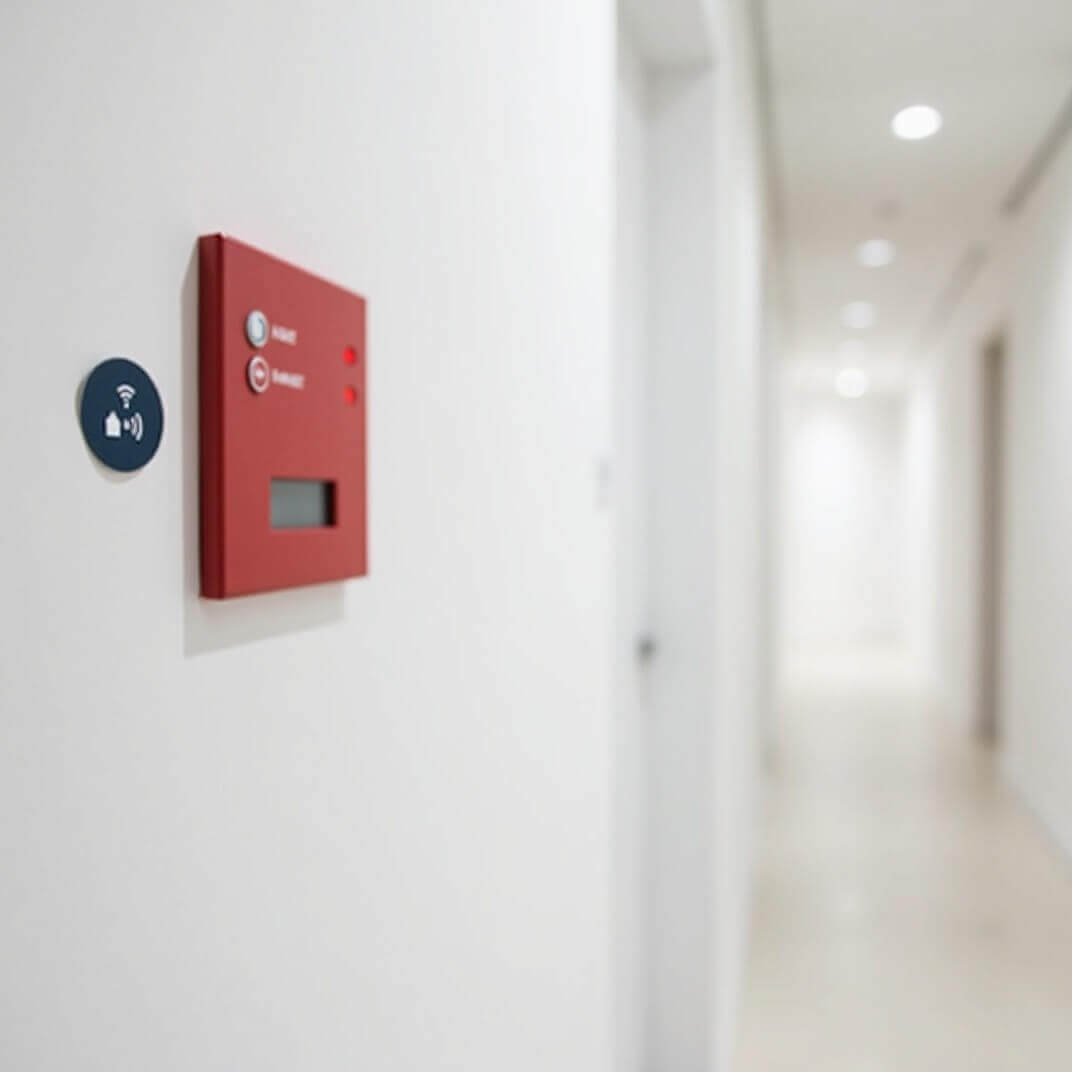
See how many checks are left for the day
Managers see a live dashboard of each inspector's daily schedule. How many buildings completed, how many remaining, and estimated time to finish. Reassign work on the fly if someone is running behind.
- Daily inspection queue per inspector with live progress
- Automatic time estimates based on historical building data
- Reassign buildings between inspectors in one tap
- End-of-day summary reports generated automatically
- Flag inspectors who are ahead or behind schedule
The smarter way to prove compliance
NFC tags eliminate guesswork, prevent fraud, and create an irrefutable audit trail for every fire safety inspection.
Tamper-Proof Verification
NFC tags can't be spoofed or scanned remotely. The inspector must physically be at the checkpoint to register the tap.
Fire Regulation Compliant
Meets UK Fire Safety Order requirements for documented inspections with verifiable evidence of completion.
Exact Timestamps
Every tap records date, time, and checkpoint ID. No more estimated times or filled-in-later paperwork.
Works Offline
NFC taps are logged even without signal. Data syncs automatically when the inspector reconnects.
Cost Effective
Tags cost pennies each and last years. No batteries, no maintenance, no replacement cycles. Stick and forget.
Instant Reports
Inspection data flows straight into WiseBlock. Reports, certificates, and compliance records generate automatically.